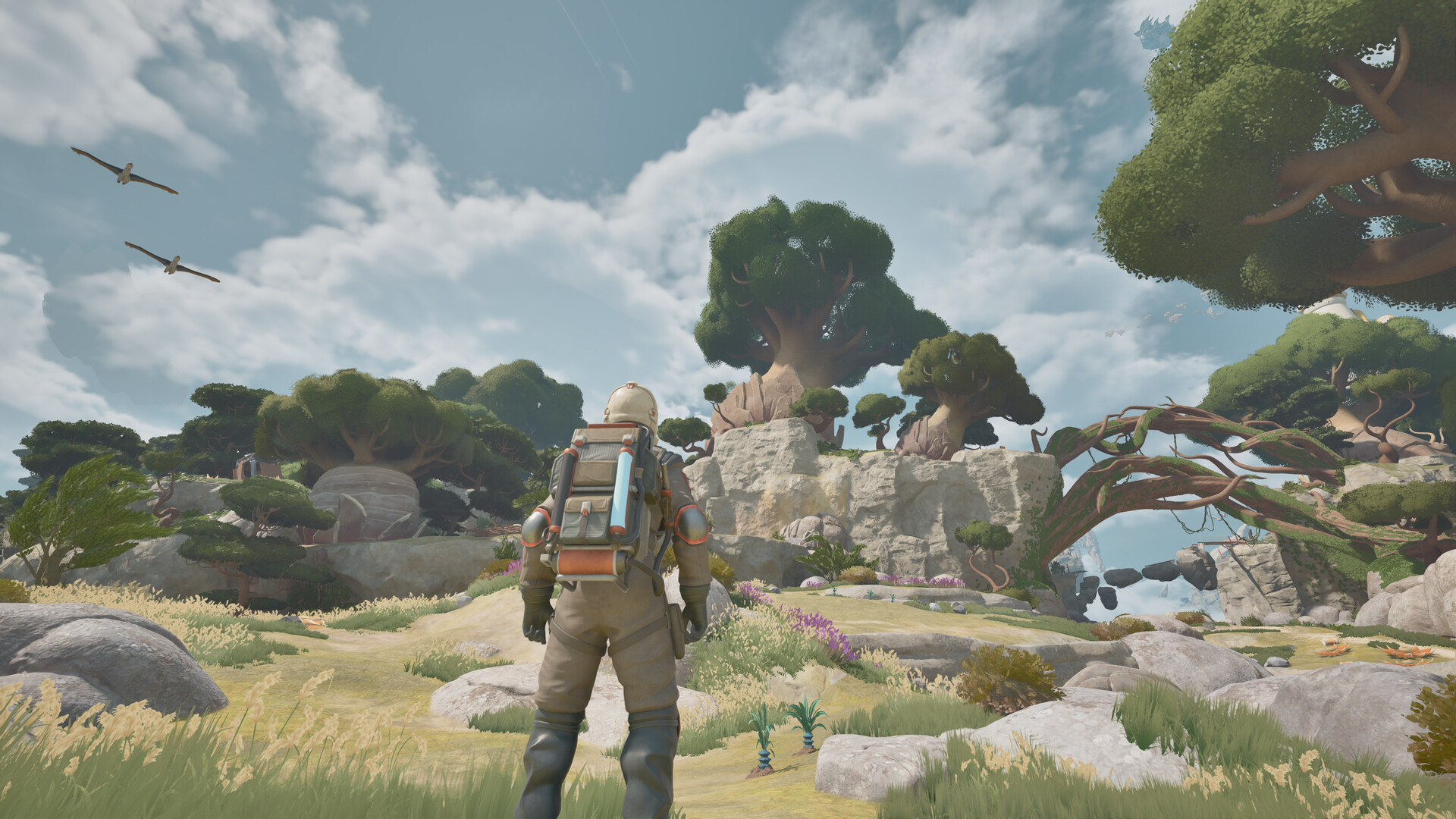
What ATMOSFAR is and where to begin
ATMOSFAR is an open-world science-fiction survival and exploration game by Apog Labs, where you explore floating islands and investigate the collapse of humanity's colony. Start with its paid Early Access release on Steam for Windows PC, then follow the opening objectives to learn resource extraction, aircraft maintenance and fuel preparation.
Published by SHUEISHA GAMES, ATMOSFAR entered Early Access on October 29, 2026. Steam is the available Windows PC purchase route, while an Epic Games Store release is planned for later. English is supported with full audio, and Steam lists full controller support.
Your goal on planet Tycos
Your larger objective is to uncover what happened to your collapsed colony and investigate Tycos as humanity's final refuge. Along the way, you salvage scrap, process minerals, collect organic materials and turn those resources into equipment and supplies. Exploration, crafting, flight and base building support that search for answers.
Travel revolves around Wasp aircraft and the Cloud Cruiser, a customizable airship that serves as your mobile base. You can repair and modify your Wasps, carry them aboard the cruiser and expand your base to support more demanding expeditions. The world also brings threatening creatures, drones and difficult weather, so preparing for a journey matters alongside choosing where to go.
Check your Windows PC before buying
The minimum specification is Windows 10 64-bit, an Intel Core i5-7500 or AMD Ryzen 5 1500X, 8 GB RAM, and an Nvidia GeForce RTX 2070 or AMD Radeon RX 6700 XT. It also calls for DirectX 12 and 25 GB of available storage. Compare these requirements with your PC before purchasing.
The recommended specification is Windows 11 64-bit, an Intel Core i7-14700K or AMD Ryzen 7 7800X3D, 16 GB RAM, and an Nvidia GeForce RTX 4070 or AMD Radeon RX 7800 XT. DirectX 12 and 50 GB of available storage are also listed. Use the recommended configuration as another reference when assessing your setup.
Start playing through Steam
- Open ATMOSFAR on Steam to reach the Windows PC store listing. The correct product names Apog Labs as developer and SHUEISHA GAMES as publisher.
- Review the price displayed for your region before making your purchase decision. Use the amount shown at checkout when deciding whether to proceed.
- Buy ATMOSFAR through its Steam page to get the paid Early Access game for Windows PC.
- Install ATMOSFAR through Steam to prepare the Windows PC release for play.
- Follow the opening objectives once you begin playing. They provide your starting route into resource extraction, Wasp maintenance and the supplies you need before longer expeditions.
Choose solo exploration or online co-op
You can explore alone or play online co-op with up to four players. Co-op includes building and operating a shared Cloud Cruiser, flying in formation and riding on a friend's Wasp. Multiplayer requires an internet connection, so include that in your setup if you plan to play together.
Choose solo if you want to learn the systems at your own pace. Choose co-op if sharing the building and expedition work sounds appealing. Before a group session, agree on whether you want to explore together or divide jobs around the shared base.
Make your next flight the first priority
Make a dependable expedition your first goal. Learn to extract scrap and gather repair supplies before worrying about an elaborate Cloud Cruiser layout. Getting comfortable with your tools and aircraft gives you a clearer purpose for the materials you bring back.
Wasps need fuel, maintenance and repairs, while your backpack provides power for you and your tools. Treat your personal equipment and your aircraft as separate preparation checks so you know what needs attention before leaving. A ready aircraft is only part of preparing yourself for the next island.
The Utility Wasp can deploy a portable camp where you can craft, cook, rest and replenish resources during an expedition. Learn what that travelling workshop does before planning a much larger base. For your first outings, prioritize a working craft and reliable supplies over optional decoration.
Know what Early Access includes
The Early Access release offers two world regions, three playable Wasp classes and a customizable Cloud Cruiser. The third region and Scout Wasp are planned additions. Keep that distinction in mind when deciding whether the available adventure is what you want to play now.
Use the standard Steam release as your starting point. Owners can also access an experimental branch containing early fixes, updates and potentially new features, but its experience may be less smooth. If you encounter a bug while learning, use the in-game bug reporting tool to send it to the developers.