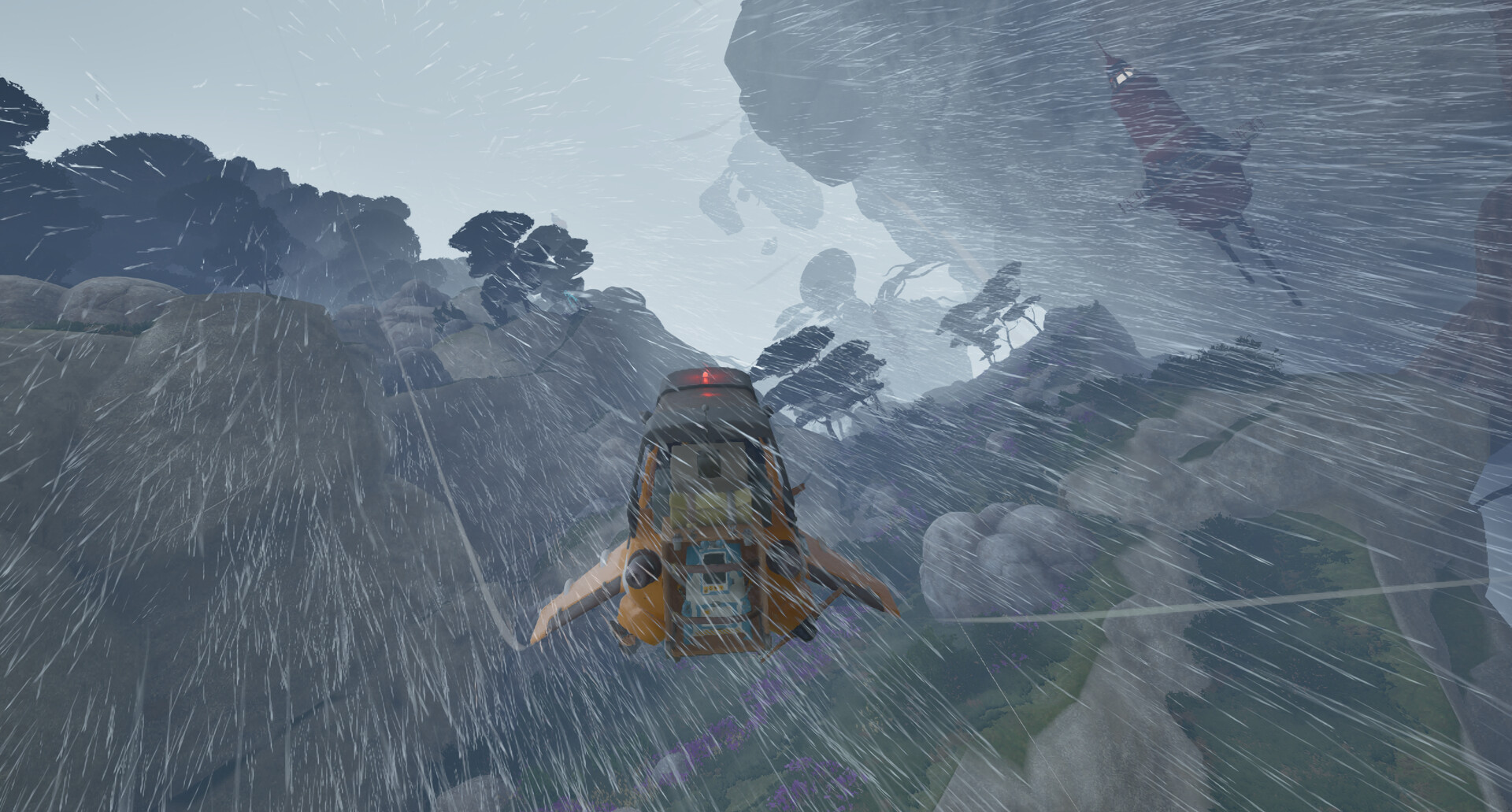
Turn hydrogen crystals into usable Wasp fuel
To make hydrogen fuel in ATMOSFAR, collect hydrogen crystals, process them in a powered hydrogen refinery and transfer the finished liquid hydrogen to your Wasp. Before transferring, read your active fuel objective: it may ask for fuel held in personal storage rather than fuel already inside the aircraft.
Prepare a powered refinery before gathering more
Have hydrogen crystals, a hydrogen refinery and an active electrical supply ready. At a portable camp, the refinery must be crafted, connected to the Camp Hub and supplied with its required raw materials. Check the recipe and connection prompts in your current interface before leaving to collect anything missing.
Check your personal electricity before extracting resources. Your tools draw on backpack power, which is separate from the hydrogen used by the aircraft. A fuelled Wasp therefore does not tell you whether your extractor has enough power for the collection trip.
Look for crystals near hydrogen geysers
Search hydrogen-crystal deposits on the floating islands of Tycos. Crystals are most common near hydrogen geysers, making the surrounding ground a useful place to inspect. Extract the crystals and bring them back for processing; collecting the raw resource does not put usable fuel into your Wasp.
Choose a collection position with a clear route back to your workshop. Keep the return trip in mind while deciding how far to search. If the aircraft already needs fuel, avoid turning a nearby supply stop into an unnecessarily long expedition.
Refine crystals and refill the aircraft
- Extract hydrogen crystals from a deposit to obtain the raw material your refinery processes into liquid hydrogen.
- Connect the camp refinery to the powered Camp Hub so the machine can receive the electricity needed for refining.
- Supply the refinery with the requested raw crystals so it has the input needed to produce fuel.
- Check the refinery's processing state to see whether liquid hydrogen is ready or the machine still needs attention.
- Read the active objective before moving finished fuel so you know whether its target concerns personal storage or the aircraft tank.
- Transfer finished fuel to the Wasp using the current refuelling prompt to replenish the aircraft's operating supply.
Check personal storage and the Wasp tank separately
Your backpack contains a reserve-fuel container used when refuelling a Wasp, while the aircraft has its own operating fuel supply. Raw crystals, finished fuel in personal storage and fuel transferred to the aircraft represent different points in the supply chain. If the Wasp still reads low after refining, check where the finished fuel is before gathering another batch.
In the March–April 2026 Demo, transferring fuel before meeting a personal-tank target could leave the objective unfinished. Producing enough fuel overall did not necessarily satisfy a requirement to hold it in that container. For Early Access, follow the tank and amount named in your current objective rather than copying the Demo's target or task order.
Find the stage that has stopped progressing
- Refinery unavailable: check that the machine has been crafted and connected to the Camp Hub. Having crystals ready does not replace the refinery itself.
- Refinery idle: inspect its crystal input, electrical connection and processing state. Check the Camp Hub's available supply and active demand alongside the machine's requirements.
- Fuel produced but aircraft still low: compare personal storage with the Wasp's indicator. Finished fuel waiting outside the aircraft still needs to be transferred.
- Objective unchanged: reread whether it asks you to produce fuel, hold fuel or refuel the Wasp. Compare the named storage location with the current requirement.
- Wasp fuel ready but departure still blocked: inspect separate repair requirements and the next journal task instead of continuing to solve the completed fuel stage.
When supplying camp power from a Utility Wasp, distinguish the rear-right electrical connection from the rear-left fuel inlet. Run the engine and connect the Camp Hub to the electrical connection. Check the current interface labels while making the connection so you are addressing camp power rather than refuelling.
If those checks leave you stuck, report the behaviour through the in-game bug reporting tool. Include the objective wording, the affected machine and what happened when you tried the interaction. This gives the report a concrete problem to describe.